Make nvm play nice with zsh and Claude Code

JavaScript developers working on multiple projects might need to run multiple Node versions. nvm makes that easy, but picking installer defaults can make every new shell session load slowly or cause node/npm errors when using coding tools like Claude Code or Cursor. Let’s restore some sanity to our environment.
NVM install defaults
By default, nvm’s installer will insert itself in the .zshrc shell profile and explains what it’s done.
=> Appending nvm source string to /Users/mattf/.zshrc
=> Appending bash_completion source string to /Users/mattf/.zshrc
=> Close and reopen your terminal to start using nvm or run the following to use it now:

export NVM_DIR="$HOME/.nvm"
[ -s "$NVM_DIR/nvm.sh" ] && \. "$NVM_DIR/nvm.sh"  # This loads nvm
[ -s "$NVM_DIR/bash_completion" ] && \. "$NVM_DIR/bash_completion"  # This loads nvm bash_completion
Gross… nvm made my shell startup slow!
Yeah, it does. A clever little shell plugin called zsh-nvm by Luke Childs can lazy load NVM to keep fresh sessions snappy.
You might follow the instructions to update your .zshrc file to look like this:
export NVM_LAZY_LOAD=true
source ~/.zsh-nvm/zsh-nvm.plugin.zsh
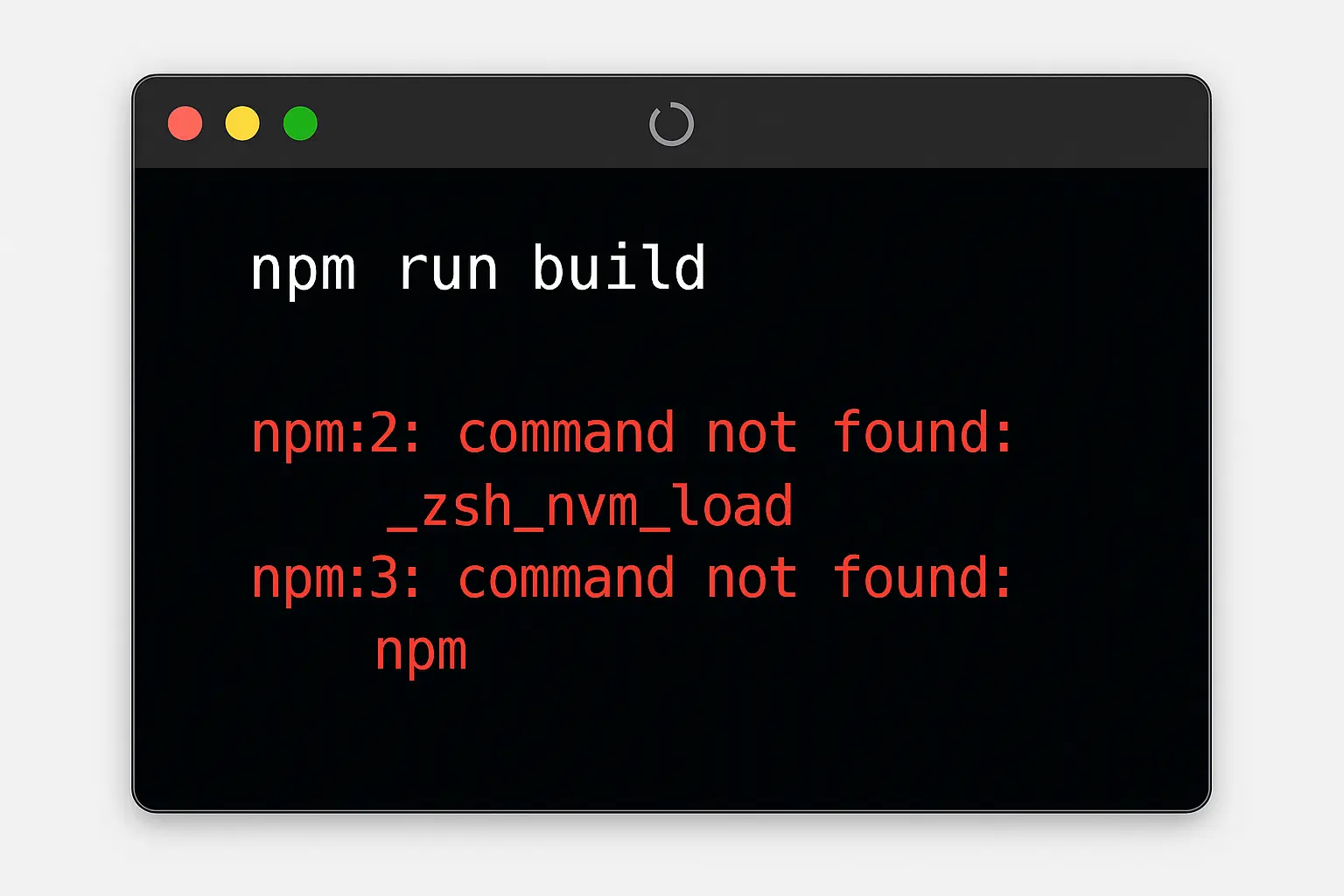
Suddenly your shell loads something like “370.52% faster.” Victory! Or, not. If we’re using tools like Cursor or Claude Code, we might start seeing other errors:
npm run build

npm:2: command not found: _zsh_nvm_load
npm:3: command not found: npm
Wait? Where did npm go? Claude pokes around to locate the binary and gets past its error, but that’s a waste of time and money. Let’s make it better.
Order of operations on zsh launch
Understanding why Claude can’t locate the zsh-nvm plugin we need to peek at the underlying zsh documentation. Here’s what it explains about .zshrc and files loaded on shell start and stop:
- all sessions load
.zshenv - then all sessions load
.zprofile - then interactive sessions load
.zshrc - then login sessions load
.zlogin
Claude and other programs use a non-interactive shell, which means that everything declared in your .zshrc file never gets loaded. This is why Claude can’t find zsh-nvm or even npm.
I’m bored. What do I need to fix?
Simple answer is move the NVM-related items to a .zprofile file in the same location as your .zshrc file.
Commands are read by zsh in line-by-line sequence. If you want lazy loading enabled, be sure to declare that preference before the shell sources the plugin.
export NVM_LAZY_LOAD=true
export NVM_DIR="$HOME/.nvm"
source ~/.zsh-nvm/zsh-nvm.plugin.zsh
Remove those same references from .zshrc so they don’t run twice. Voilà.